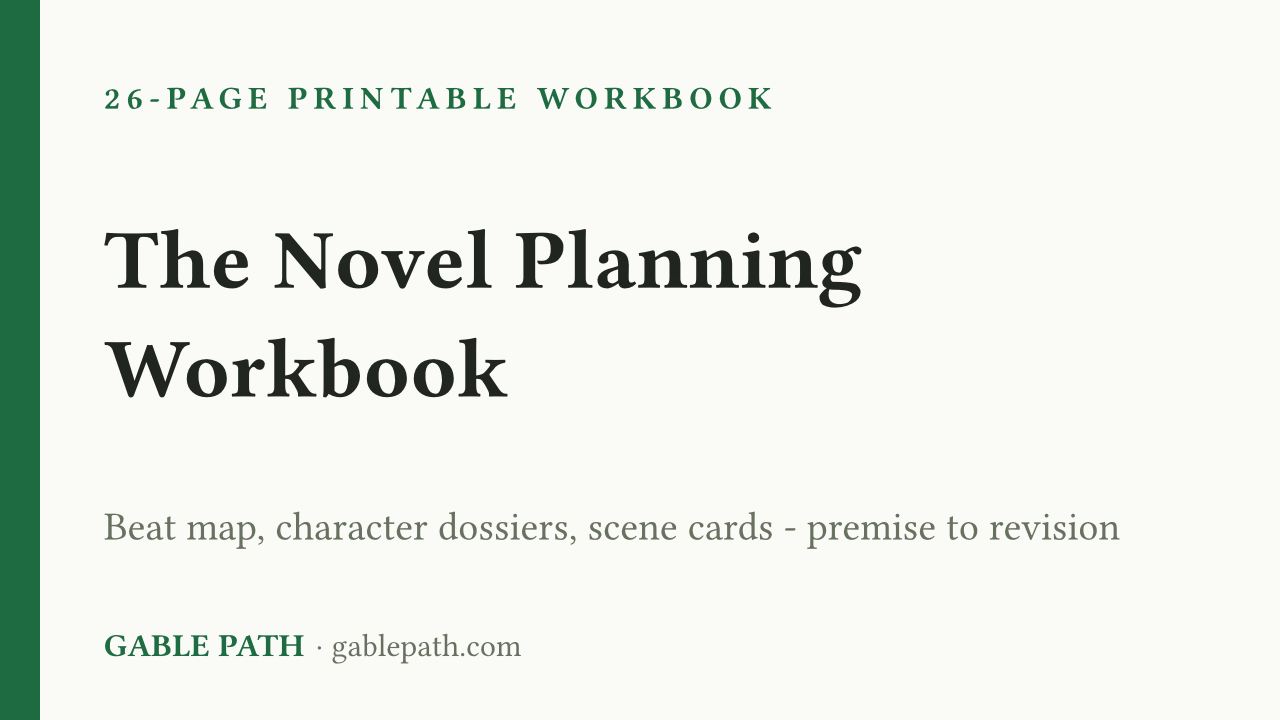
Plan Your Novel Start to Finish: Beat Map, Character Dossiers & Scene Cards
A 26-page fill-in workbook that takes a novel from vague idea to drafting-ready plan — and then through revision. No theory padding: every page is…
Secure checkout on Gumroad. Download link arrives immediately.
- Print-ready PDF, US Letter — opens in any PDF app
- Formulas and layout locked — nothing to break
- Yours to keep, for personal and business use
A 26-page fill-in workbook that takes a novel from vague idea to drafting-ready plan — and then through revision. No theory padding: every page is something you write on.
What’s inside:
- Premise Lab — a logline formula with worked examples from Pride and Prejudice, Frankenstein, and The Count of Monte Cristo, plus an 8-question stress test that finds the soft spots in your idea before page 100 does.
- The Beat Map — three acts, nine blocks, 27 beats, each with a blunt one-line explanation of the job it does and lines to fill in your version.
- Character Dossiers — four two-page sheets covering want vs. need, misbelief, the wound behind it, and arc waypoints keyed to specific beats.
- Scene Cards — eight goal / conflict / disaster / sequel cards to plan each drafting session. Print more as you go.
- World & Continuity Log — names, places, and a timeline grid so your manuscript stops contradicting itself.
- Revision Checklists — three separate passes (structural, scene, line) with specific checks, like whether your midpoint turns the protagonist from reactive to proactive.
- A “When You’re Stuck” diagnostic — one page that finds the missing ingredient behind most blocks.
Works for plotters and reformed pantsers alike. Plan in pencil; the workbook does not judge.
What's included
- novel-planning-workbook.pdf — print-ready PDF (US Letter)
Questions
How do I get the file?
It is an instant download. Checkout happens on Gumroad, and the download link is on the confirmation page and in your emailed receipt. Nothing ships; there is nothing to wait for.
What do I need to open it?
Print it at home or at a copy shop, or fill it in on a tablet with any PDF app that supports annotation.
Can I change it to suit my business?
Yes. Categories, names and labels are yours to rename, and the totals follow automatically. The calculated cells are the protected ones, so you can edit freely without knocking a formula out.
Can I use this for client or business work?
Yes — use it in your own business or personal projects as much as you like. The one thing you cannot do is resell or redistribute the file itself.
What if it isn't right for me?
Refunds are handled by Gumroad under their own buyer policy for digital downloads — request one through your order there and it goes through their process, not ours.
Get the next template
One short email when a new spreadsheet or template ships — plus the occasional tip for getting more out of the ones you already have. Nothing else.
We send the list and nothing more. Your address is never sold or shared, and every email has a one-click unsubscribe.